How to Build a Professional Landing Page: From HTML to AI
The evolution of building websites: from strategy and copywriting, through Figma and code, to no-code tools and AI. Which route should you take for your own landing page?
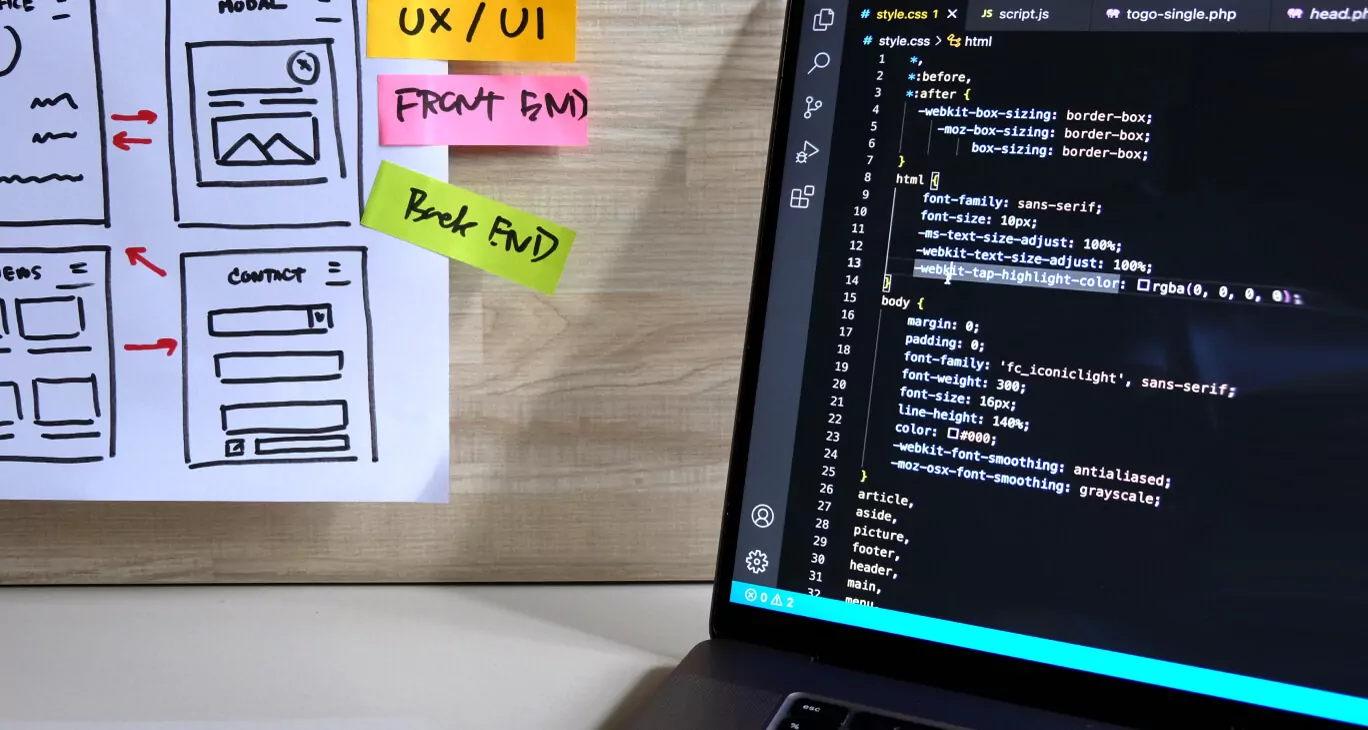
Welcome aboard! 🎉 Today we take on a subject absolutely fundamental to digital marketing and modern business: how to build an effective landing page. Whether you want to break into the tech industry, promote a product, or simply test an idea for an app (an MVP), the landing page is your first front in the battle for a visitor's attention.
In this class — and in this article, which is its written record — we walk through the complete evolution of building websites. We start with the absolute fundamentals, strategy and copy, and finish with analytics, validation and A/B testing of the finished product.
The aim is to give you a full picture of the available tools so you can consciously choose the method best suited to your goal, your time and your budget. Let's begin.
🎯 Phase 0: Strategy and copywriting (the foundation)
The most important stage, and the one most often skipped. Before you open Figma or a code editor you have to know what you want to say and to whom.
You can have the most beautiful page in the world and it will bring no result if you cannot answer these three questions:
-
WHAT IS THE GOAL? (conversion)
- What do you want the visitor to do? A page should have only one main goal.
- Examples: signing up for a newsletter, downloading an e-book, booking a call, buying a product.
-
WHO IS THE AUDIENCE? (target group)
- Who are you speaking to? The language, tone and design for an 18-year-old gamer differ from those for a 45-year-old finance director.
- Write a simple persona: who are they? What do they fear? What do they want?
-
WHAT IS THE CORE VALUE? (value proposition)
- Why should someone give you their time — or their money? What do they gain?
- You have to communicate it in a few seconds, in the first view (above the fold).
Pro tip: always start with the copy. Good copy will sell even on an ugly page. The best design will not save weak copy. Prepare all the content — headlines, descriptions, FAQ — before you start designing.
📜 Phase 1: The classic route — wireframes, Figma and plain code
This is the foundation of the craft. For years it was the only way to build a site. The process goes like this:
- Wireframe and design (UI/UX): the designer first creates wireframes to settle the structure and the flow of information. Only then, in a tool such as Figma (today's standard; once it was Photoshop), do they build a polished visual mockup.
- Coding (frontend): the developer sits down in VS Code and slices the design, translating it into languages the browser understands.
That is the route you can follow in the earlier posts:
- We started with the fundamentals in HTML from Scratch: A Quick Guide.
- Then we gave it style in CSS from Scratch: A Quick Guide.
- Finally we put it together by building Your First Responsive Page.
| Advantages | Disadvantages |
|---|---|
| ✅ Full control over every pixel | ❌ Extremely time-consuming |
| ✅ The highest performance | ❌ Demands strong skills (UI/UX + HTML + CSS + JS) |
| ✅ Teaches the absolute basics | ❌ An expensive process (designer time + developer time) |
When to take this route? When you are learning to code, or when you are building a project with an absolutely unique design and the highest performance requirements.
🚀 Phase 2: The optimised route — frameworks and design systems
People noticed quickly that the classic route is slow. That is how CSS frameworks and design systems were born — so nobody has to reinvent the wheel.
They are ready-made sets of bricks (components) and rules that speed the work up dramatically. That is exactly what we did in the lesson Bootstrap: Build a Simple Site in an Hour.
- Bootstrap: finished components (buttons, navigation bars, cards). Great for quick prototyping.
- Tailwind CSS: a different, utility-first approach. It gives you no finished components but atomic classes (
mt-4,flex), which allows greater flexibility.
| Advantages | Disadvantages |
|---|---|
| ✅ An enormous saving of time (vs phase 1) | ❌ Still requires programming skills |
| ✅ Visual consistency (everything matches) | ❌ Sites can look alike (Bootstrap's problem) |
| ✅ The standard in professional companies | ❌ A new technology to learn (you must learn the framework) |
When to take this route? Once you know the HTML/CSS basics and want to start working commercially.
🧩 Phase 3: The popular route — CMS platforms (WordPress)
At some point clients wanted to edit content themselves. That is how the content management system was born, and its king is WordPress.
Launched in 2003, it now powers over 40% of the entire internet. A landing page in WordPress is built mainly in one of two ways today:
- Buying a ready-made theme (ThemeForest, Envato) for around $60.
- Using a visual page builder (drag and drop), such as Elementor or Divi.
| Advantages | Disadvantages |
|---|---|
| ✅ The client can edit the content themselves | ❌ Performance problems (it can feel sluggish) |
| ✅ A gigantic ecosystem (a plugin for everything) | ❌ Security (a popular target for attacks) |
| ✅ Relatively cheap and quick to start (themes) | ❌ Maintenance (plugin, theme and core updates) |
When to take this route? When you are building a site for a client who wants to manage it themselves, or when you need to add a blog or a shop quickly.
✨ Phase 4: The visual route — the no-code revolution (Webflow and Framer)
What if we combined the power of phase 1 (full visual control) with the simplicity of phase 3 (no coding)? Welcome to no-code. It is "Figma that publishes live pages".
- Webflow: the professionals' choice. Essentially a visual interface to CSS and HTML. It has a steep learning curve but offers almost unlimited possibilities.
- Framer: the hot newcomer. It lets you literally paste a design from Figma and bring it to life. Remarkably fast for simple landing pages.
| Advantages | Disadvantages |
|---|---|
| ✅ Speed from idea to publication | ❌ Vendor lock-in (you depend on the platform) |
| ✅ Full visual control (as in Figma) | ❌ A subscription model (it can get expensive) |
| ✅ Excellent performance and clean code | ❌ Limits on complex backend logic |
When to take this route? When you are a marketer, a designer or a founder and want to build beautiful, fast pages quickly without involving developers. The ideal tool for an MVP.
🤖 Phase 5: The instant route — the AI revolution (100% automation)
What if you have no design? No copy? Not even an idea? AI tools can generate a complete landing page from a single sentence — a prompt.
- AI site generators: tools such as Durable, Lovable or Wix ADI ask for your company name and industry, and 30 seconds later generate a whole site.
- Code generators (Gen-UI): tools for developers, such as v0.dev or Builder.io. You write "Create a pricing section" and the AI generates HTML/CSS/React.
- Text and image generation: ChatGPT (text) and Midjourney (images) fill in the gaps.
| Advantages | Disadvantages |
|---|---|
| ✅ Speed measured in minutes, not weeks | ❌ The quality can be generic and soulless |
| ✅ It generates everything (text, code, images) | ❌ It often needs manual correction |
| ✅ Ideal for validating ideas (MVPs) | ❌ Copyright questions (images, code) remain unsettled |
When to take this route? When you want to test ten business ideas in a day. When you needed the page yesterday.
🧬 Phase 6: The hybrid route — AI-assisted development (my method)
This is the method I use most often. It combines the power of phase 2 (professional coding) with the speed of phase 5 (AI). Here the AI does not replace the developer; it becomes their assistant, a pair programmer.
The workflow:
- The developer still works in VS Code (as in phases 1 and 2).
- They use a tool such as GitHub Copilot, which suggests whole blocks of code in real time.
- When they need a whole section, they ask a large language model — Claude, Gemini or ChatGPT.
- Prompt: "Write me the code for a responsive hero section using Tailwind CSS, with a heading, a paragraph and two buttons."
- The AI generates the code, and the developer reviews, corrects and integrates it into the project.
| Advantages | Disadvantages |
|---|---|
| ✅ Far and away the fastest route to professional code | ❌ Requires strong foundations (you review the AI's code) |
| ✅ Full control (phase 1) plus speed (phase 5) | ❌ The risk of hallucination (incorrect generated code) |
| ✅ The AI teaches you new patterns and solutions | ❌ Subscription costs (Copilot, ChatGPT Plus and so on) |
When to take this route? This is both the present and the future of professional web development. For anyone who already knows the basics of code and wants to be ten times more productive.
📈 Phase 7: What happens after publication? (validation and analytics)
Building and publishing a page is not the end. It is only the beginning. Now you have to check whether your landing page works — whether it delivers the goal from phase 0.
1. Analytics (what is happening?)
You need to collect data in order to understand what visitors do.
- Google Analytics (GA4): the key tool. It shows: who arrives? Where from (a Facebook ad, Google)? How long do they stay? Do they click "Buy"?
- Hotjar or Microsoft Clarity: tools for heatmaps and session recordings. They show where visitors click (even when it is not a link), how far down they scroll, and where they get lost.
2. A/B testing (what works better?)
Never assume your first idea is the best one. Test it.
- A/B testing means creating two versions of the page (version A with a green button, version B with a red one) and showing each to 50% of visitors.
- Once you have collected the data you check which version converted better — which one had more people clicking "Buy".
- That way you are not relying on "I think so" but on hard data.
3. Validating the idea (does this make sense?)
This is the feedback loop back to phase 0.
- The data from analytics and A/B tests tells you whether your idea (the MVP) or your marketing campaign makes sense.
- If conversion is low, it may mean that the problem is not the button colour (A/B testing) but your value proposition or a badly chosen audience (phase 0).
📊 The big comparison: which route should you take?
| Method | Speed | Skills required | Flexibility | When to use it? |
|---|---|---|---|---|
| Phase 1: plain code | 🐢 Very slow | 🔴 High (HTML, CSS, JS) | 🟢 Complete | Learning / "premium" projects |
| Phase 2: frameworks | 🏃♂️ Fast | 🟡 Medium (knowing the framework) | 🟢 High | Commercial work, the standard in companies |
| Phase 3: WordPress | 🐇 Very fast | 🟡 Low (using a page builder) | 🟡 Medium | Client sites (with a blog or shop) |
| Phase 4: no-code | 🚀 Instantly | 🟡 Low (visual thinking) | 🟢 High | MVPs, marketing sites, designer work |
| Phase 5: AI (full auto) | ⚡ Immediate | 🟢 Very low (writing prompts) | 🟡 Low | Fast idea validation, drafts |
| Phase 6: AI hybrid | 🚀 Instantly | 🔴 High (reviewing AI code) | 🟢 Complete | Modern development, maximum productivity |
✅ Summary and conclusions
As you can see, there have never been so many ways to build a website. "How do I build a landing page?" is no longer a question of whether it can be done, but which of a dozen methods to choose — and then how to measure and improve it.
My advice:
- For students of computing: you must know phases 1 and 2. That is your foundation. Phase 6 (the AI hybrid) and phase 7 (analytics) are your superpowers — the tools that will make you ten times faster and more valuable on the market.
- For marketers and founders: do not learn to code unless you want to. Focus on phase 0 (strategy), master phase 4 (Webflow/Framer), and above all put phase 7 (analytics) in place.
- The future is hybrid: the best people on the market will be developers (phase 6) who use AI fluently to build in three hours what once took three weeks, and then (phase 7) prove with data that it works.
🔗 Useful links
- Phases 1/2 (code):
- Figma (the design tool)
- Tailwind CSS
- Phase 3 (CMS):
- WordPress.org
- Elementor (a popular page builder)
- Phase 4 (no-code):
- Phases 5/6 (AI):
- GitHub Copilot (a coding assistant)
- v0.dev (generating UI from a prompt)
- Claude (an LLM for generating code)
- Phase 7 (analytics):
- Google Analytics
- Hotjar (heatmaps and recordings)
- Microsoft Clarity (a free alternative to Hotjar)
Questions? Problems? Write to me at m@zeprzalka.com